
CyberScrub® Security 6.0 with Media Wiper, Infinity Safe – Now Windows 10 (32 & 64 bit) Compatible
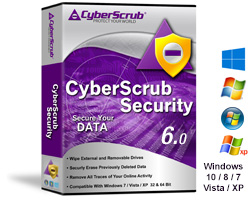
CyberScrub Security 6.0 with Media Wiper, Infinity Safe and 1 yr. subscription, Protects your privacy, it helps to keep your machine clean of traces from Browsers, Windows Applications, Peer-to Peer settings, Application traces, Custom sensitive areas, etc. It also securely wipes previously deleted data by wiping free space. By wiping slack files data, it provides additional privacy measurement. It eliminates your browser traces, cookies, flash cookies etc.
$79.95
CyberScrub® Privacy Suite™ – Now Windows 10 Compatible
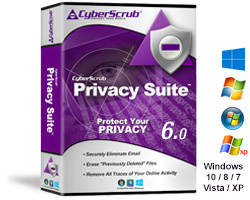
Privacy Suite is a high level security application designed to help you completely eliminate sensitive information from your computer, protect your Internet privacy, and enhance system performance. Privacy Suite also functions as a wonderful clean up utility by removing useless files (.bak, .chk, etc) that slow down your computer.
Few realize every picture, video clip, chat room conversation and website address is written to your hard drive. Privacy Suite protects you by removing all evidence of your online activity.
$59.95
CyberScrub® KeyChain™ Password Manager and Auto Form Filler
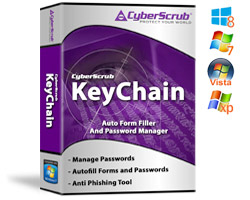
Still entering user names and passwords by hand? KeyChain Password Manager protects all of your passwords with one Master Pass Phrase. You simply select the website to visit- your page is accessed and user name and password automatically inserted. This will allow you to visit these protected sites more often- never again will you have to look up your log in details. KeyChain Password Manager also populates online forms with credit card and address information, so shopping is a snap. You can even utilize a USB thumb drive if desired to use KeyChain Password Manager portably, on any PC. No traces remain once the drive is removed. Strong encryption protects all sensitive data.
$39.95
CyberScrub cyberCide®
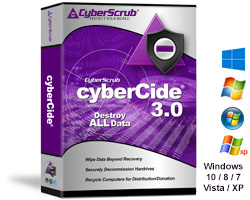
cyberCide is designed for the complete sanitation and decommission of hard drives and/or computers. This new version provides a secure procedure for disposal of systems or return of leased assets. A must for HIPAA, GLB, SOX and other compliance directives. Volume and GSA pricing available.
While Privacy Suite is designed for use with your active machine, cyberCide is needed to ensure the complete and secure destruction of data on entire drives and/or sectors.
From $29.95
CyberScrub Compliance Suite™
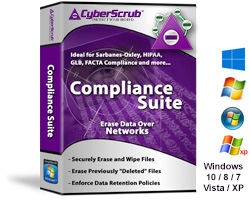
CyberScrub Compliance Suite is a network enterprise level solution based on the award winning Privacy Suite. Designed for strict compliance with HIPAA, Sarbanes-Oxley, FACTA and other federal regulatory directives, this industrial strength application enforces your document retention policies with cutting-edge technology.
Compliance Suite allows an administrator to centrally manage and set tasks, such as the wiping of free space (this ensures that data deleted via the standard keyboard Delete key is non-recoverable) when the client is idle, establish document retention policies, empty the Recycle Bin, remove traces on online activity, clear “locked files” such as the paging or swap file, and erase data based upon location, age, creation date, filter or event.